HireOne - SelfServe Guide
How To Access Paystubs
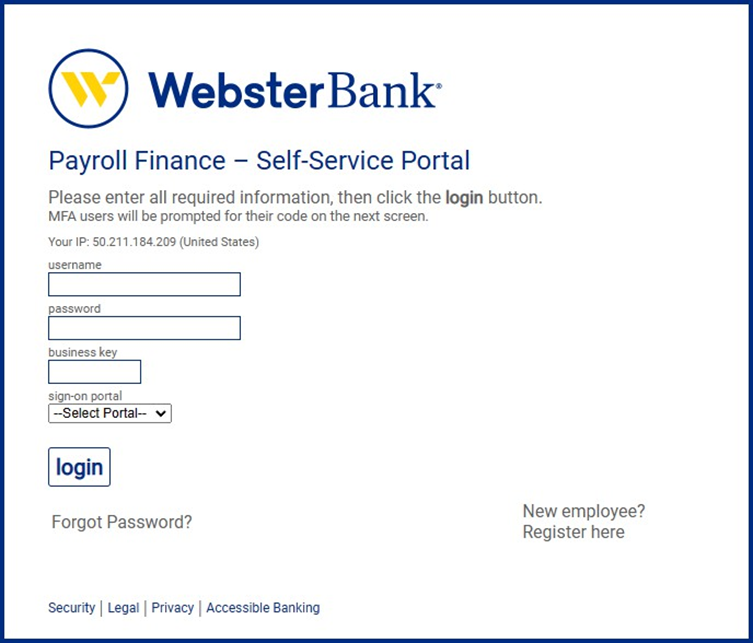
Step 1: Click on the following link for the Web-Portal Page: PORTAL Login - Webster Bank (snb.com)
Step 2: Use the same email address that was used during your hiring process with HireOne, as your Username and Password.
- Username: Your email adress
- Password: Your email address
- Business Key: 1800906
- Sign-on Portal: Employee\
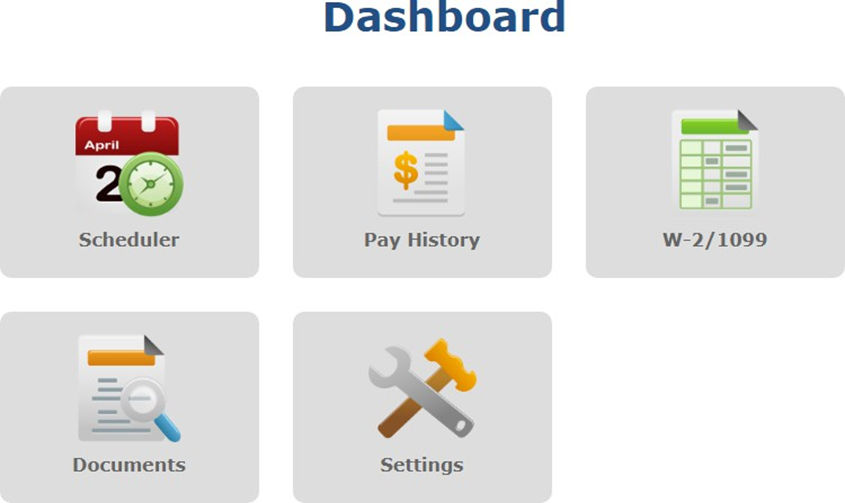
Step 3: Click on Pay History to view, print or save paystubs
If you have any questions or concerns, please contact the payroll department at (202) 627-2317 or email payroll@hireonestaffing.com or rwilson@arraycorp.com